Gateway Fleet Onboarding
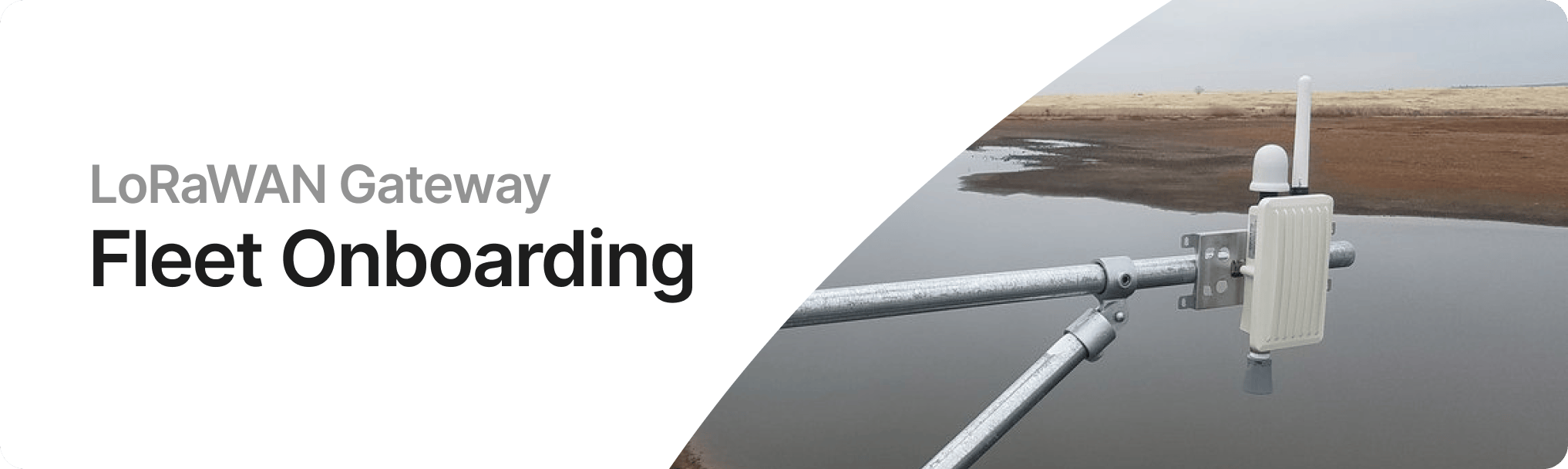
Multi-gateway is a server that accepts connections from multiple LoRaWAN gateways using the Semtech UDP (GWMP) protocol. It automatically provisions a keypair for each gateway on first connection and maintains a dedicated gRPC stream to the Helium packet router per gateway. Each gateway appears as an independent Hotspot on the Helium network.
This enables operators to manage fleets of Hotspots from a single server, with centralized key management, monitoring, and a REST API for integration.
Architecture
The server runs three concurrent tasks:
- UdpDispatcher: Binds a UDP port (default 1680), receives GWMP packets from gateways, identifies each gateway by MAC address, and routes packets to the GatewayTable.
- GatewayTable: Manages per-gateway state including keypairs, connection status, and packet metadata. Spawns a gRPC task per connected gateway that maintains a bidirectional stream to the Helium packet router.
- API Server: Axum HTTP server providing REST endpoints, Prometheus metrics, and a real-time SSE event stream.
API Endpoints
| Method | Path | Description |
|---|---|---|
| GET | /gateways | List all gateways with status |
| GET | /gateways/{mac} | Get a specific gateway |
| GET | /gateways/{mac}/packets | Recent packet metadata (last 50) |
| POST | /gateways/{mac}/sign | Sign data with a gateway's keypair |
| GET | /events | SSE stream of real-time events |
| GET | /metrics | Prometheus metrics |
Read and write endpoints can be protected with separate API keys via the read_api_key and
write_api_key settings. The /events SSE endpoint is public but connection-limited.
Supported Regions
The region is a per-instance configuration setting. Supported values:
US915EU868AU915AS923_1KR920IN865
All gateways connected to a single instance must operate in the same frequency plan.
Community Demonstration
A community demonstration is available at
heliumtools.org/multi-gateway.
Note: this is not an official Helium website and is intended for demonstration purposes. It is not
intended for production use.
Use this demo deployment to quickly explore an onboarding, test the workflow, and build familiarity before running your own instance.